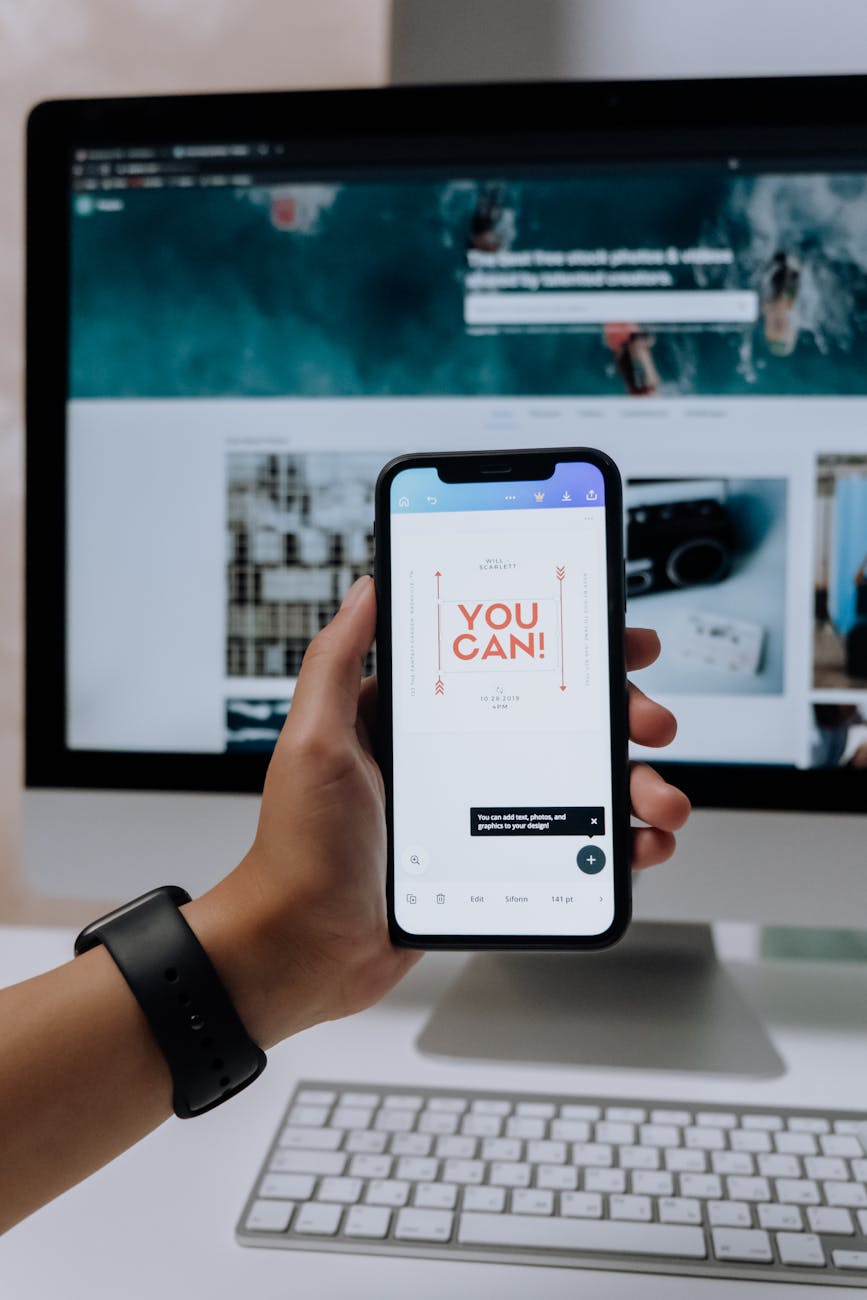
I spent months using Canva the hard way—clicking through menus, moving things pixel by pixel, and getting stuck on the simplest changes. It was only when I started picking up little shortcuts and tricks that I realized how much easier—and faster—designing digital products could be.
Because let’s be real: when you’re designing for Etsy or your own digital shop, time is everything. And the cleaner, more professional your product looks? The more it sells.
Here are the Canva hacks I wish I knew from day one:
✅ Use “R” to add a rectangle instantly.
No more clicking through the shape library—just tap “R” and it pops right in. Use it for headings, banners, or background shapes.
✅ Press “T” to drop in a text box.
Way quicker than scrolling through the text menu. Just tap “T” and type!
✅ Copy style with one click.
My personal favorite: select a design, click the little paintbrush icon (“Copy Style”), and it transfers the font, color, and size to anything else. It’s like magic—no more manual reformatting.
✅ Lock layers to stop things from shifting.
Ever move something and accidentally nudge everything else? Just lock the layer—no more layout disasters!
✅ Group + Align tools.
These make sure your design is neat, balanced, and professional. Select a few elements, group them, and use the align tool to center or space them perfectly.
✅ Use keyboard arrows for pixel-perfect tweaks.
When you want to nudge something just a bit, the arrow keys are your best friend. You’ll get that perfect alignment without overshooting.
Here’s why these hacks matter:
Designing digital products can take forever when you’re manually moving every element. It’s easy to get frustrated and lose momentum. But when you know these shortcuts? Everything flows smoother. You spend less time tweaking and more time creating.
And let’s face it—a cleaner final product just looks better. Buyers can tell when something’s been fussed over and balanced. These hacks help you get there faster—without the overwhelm.
My Personal Tip:
Don’t try to learn every shortcut at once! Pick one or two and use them consistently. Before long, they’ll feel second nature—like muscle memory that saves you hours.
✨ Want to see these Canva hacks in action?
Check out Scribble & Co Designs. Every product I’ve made started with a blank page in Canva—brought to life faster and easier with these exact tips.
Because the best digital products aren’t just pretty—they’re made with smart workflows that save you time and keep you inspired.
💬 What’s the one Canva shortcut you can’t live without (or are dying to try)? Let me know in the comments—I’d love to trade tips and see what’s working for you!signs—everything you see there was made in Canva, faster thanks to these tricks.
 Scribble & Co Designs
Leave a comment